Download Peeku
Private auto-lock, two honest paths.
Peeku protects your Mac when you walk away and helps you reset while you work. It is available on the Mac App Store and as a direct download; both keep face processing on your Mac. The iPhone and Apple Watch companion is also live on the App Store.
Free on the Mac App Store
Install the coaching version first.
Peeku Presence Coach is the sandboxed Mac App Store build: eye-rest nudges, walk reminders, local presence signals, and no account. The full auto-lock build is still below for people who need the lock. If one real break helps, an honest review helps other Mac users find it.
How it works
Watch your presence live, then arm the lock.
Peeku shows a live menu-bar panel with your face presence, Apple Watch proximity, and input activity. Before you arm auto-lock you can watch these signals and trust them. Once armed, it locks your screen when all signals say you are away. Nothing leaves your Mac.
Full auto-lock
The version that actually locks.
Peeku 1.7 is the complete auto-lock app. It uses your camera for local face presence detection, your Apple Watch for optional proximity gating, and keyboard and mouse activity to avoid false locks. Auto Lock starts disabled so you can watch the signals and trust them before arming it.
Auto Lock uses macOS’s standard Lock Screen shortcut after you explicitly grant Accessibility permission. It stays off until you arm it, and Peeku only posts that one shortcut when its on-device presence checks agree that you are away.
Direct download is notarised and Developer ID signed. About 3.1 MB. macOS 14+, Apple Silicon. Gumroad stays available if you want update emails.
Prefer Terminal? brew install --cask iamitp/peeku/peeku
SHA-256: bdcd8bc61c3b4586a13ecd1e2908e004de7c0c341306726fe41e23f39efd925f
Coaching · Free on App Store
- Visual nudgesOn
- Look-away breakOn
- Walk reminderOn
Free coaching
App Store version: presence without the lock.
Prefer the Mac App Store? Peeku is free there with private walk-away lock, Desk Health, and move-and-rest nudges. The iOS and Apple Watch companion can send Lock Mac to the paired Mac app.
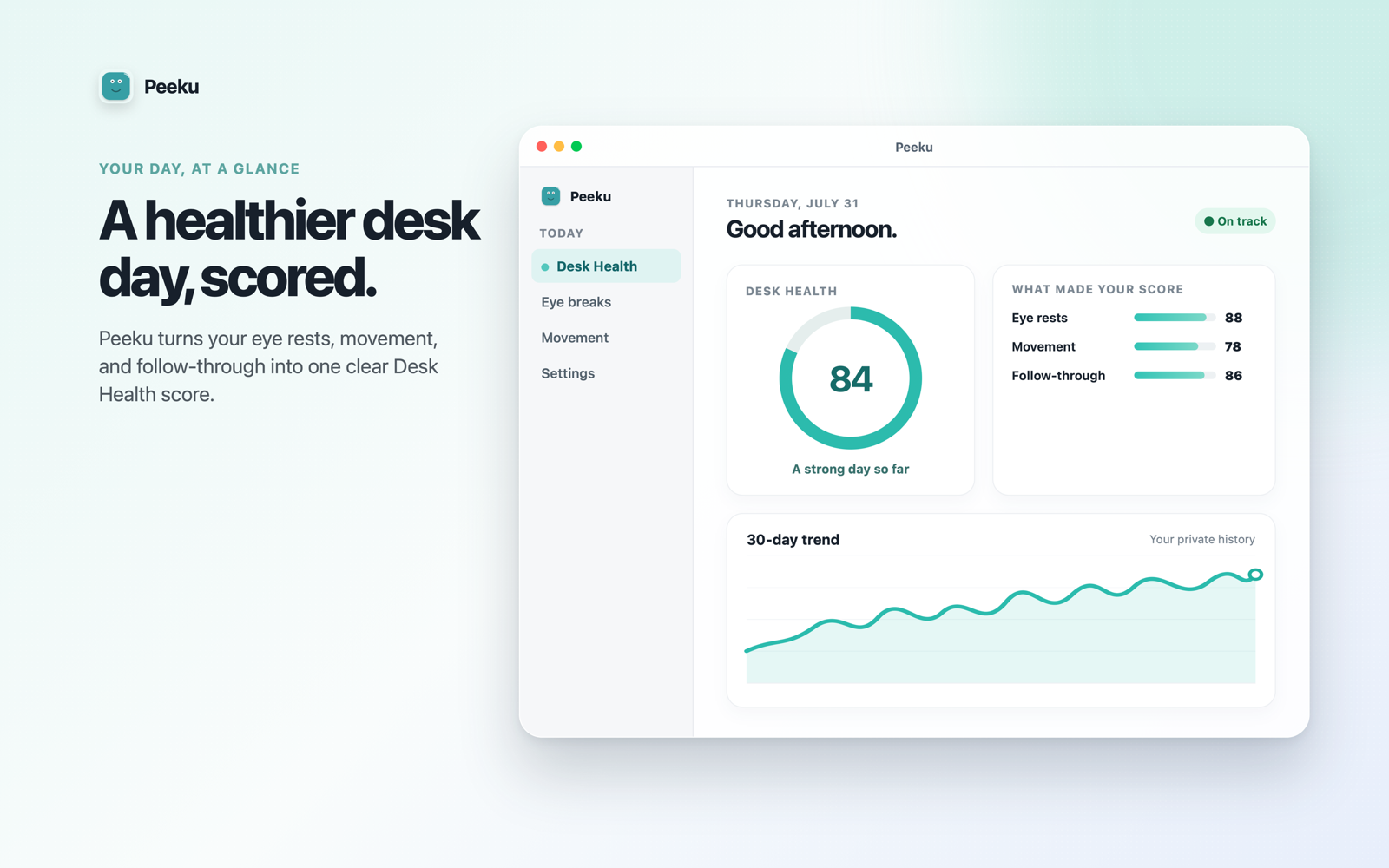
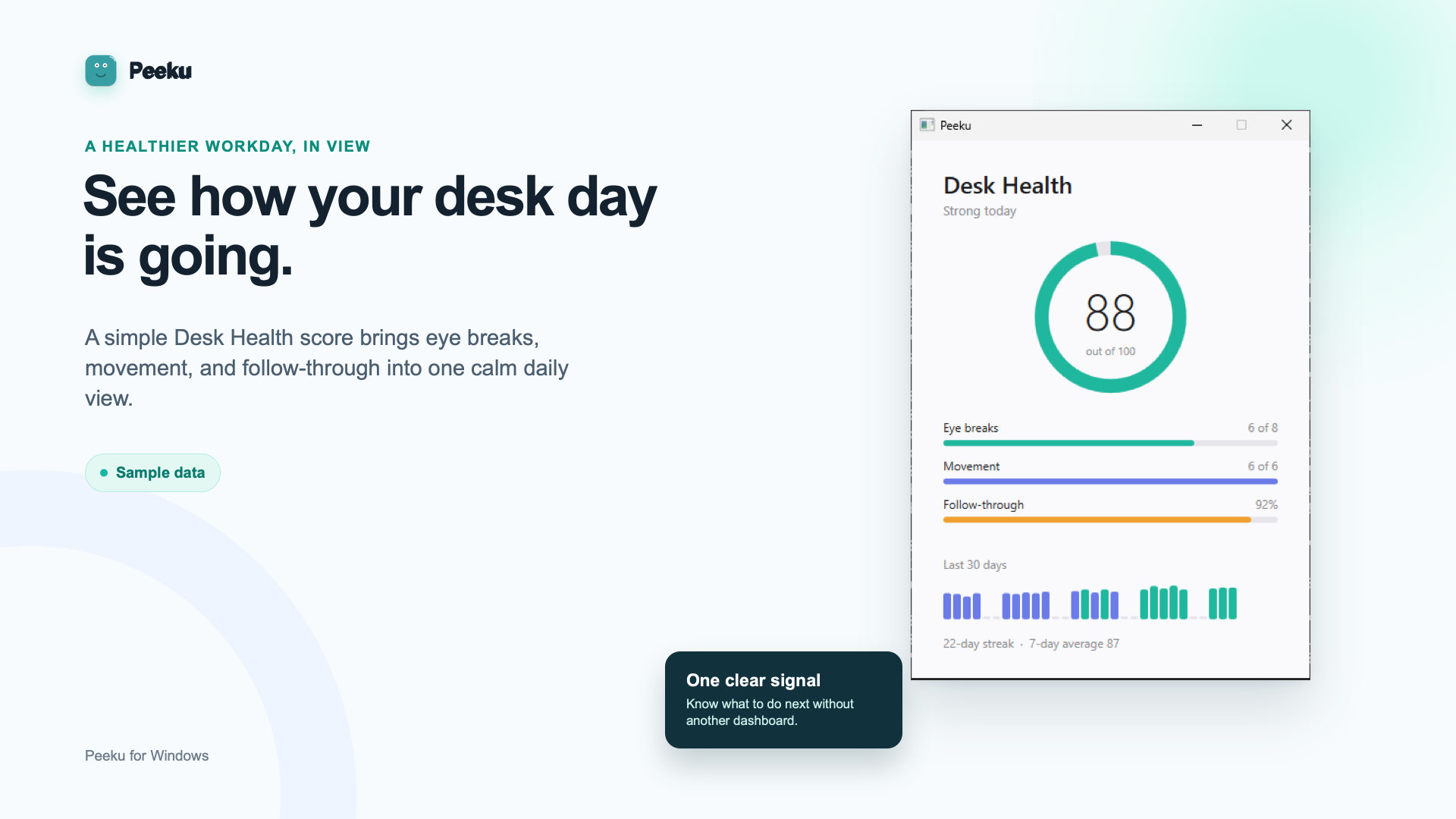
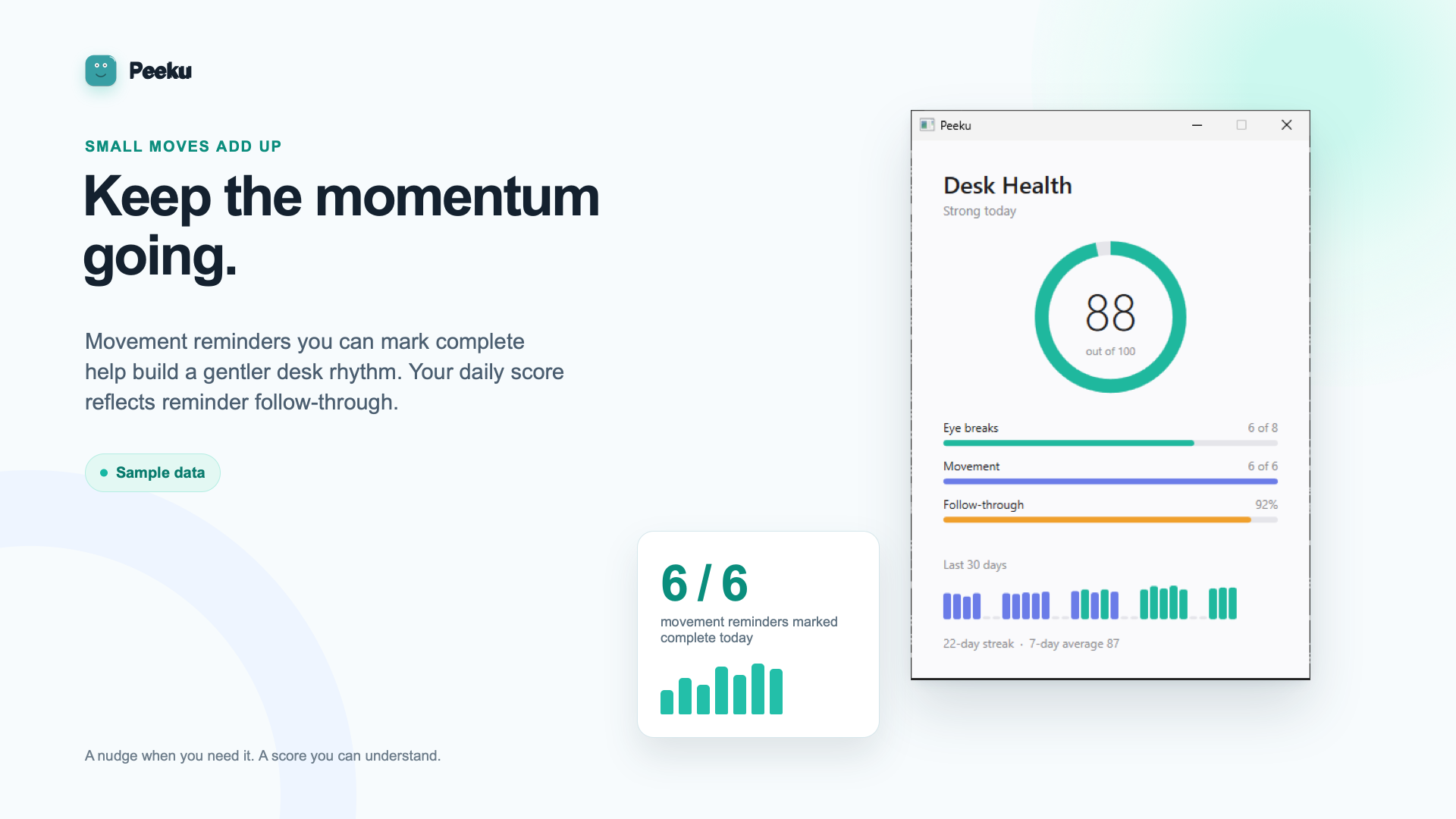
- Desk Health score. Optional daily wellness rating (0–100) based on walk frequency, eye breaks, and activity.
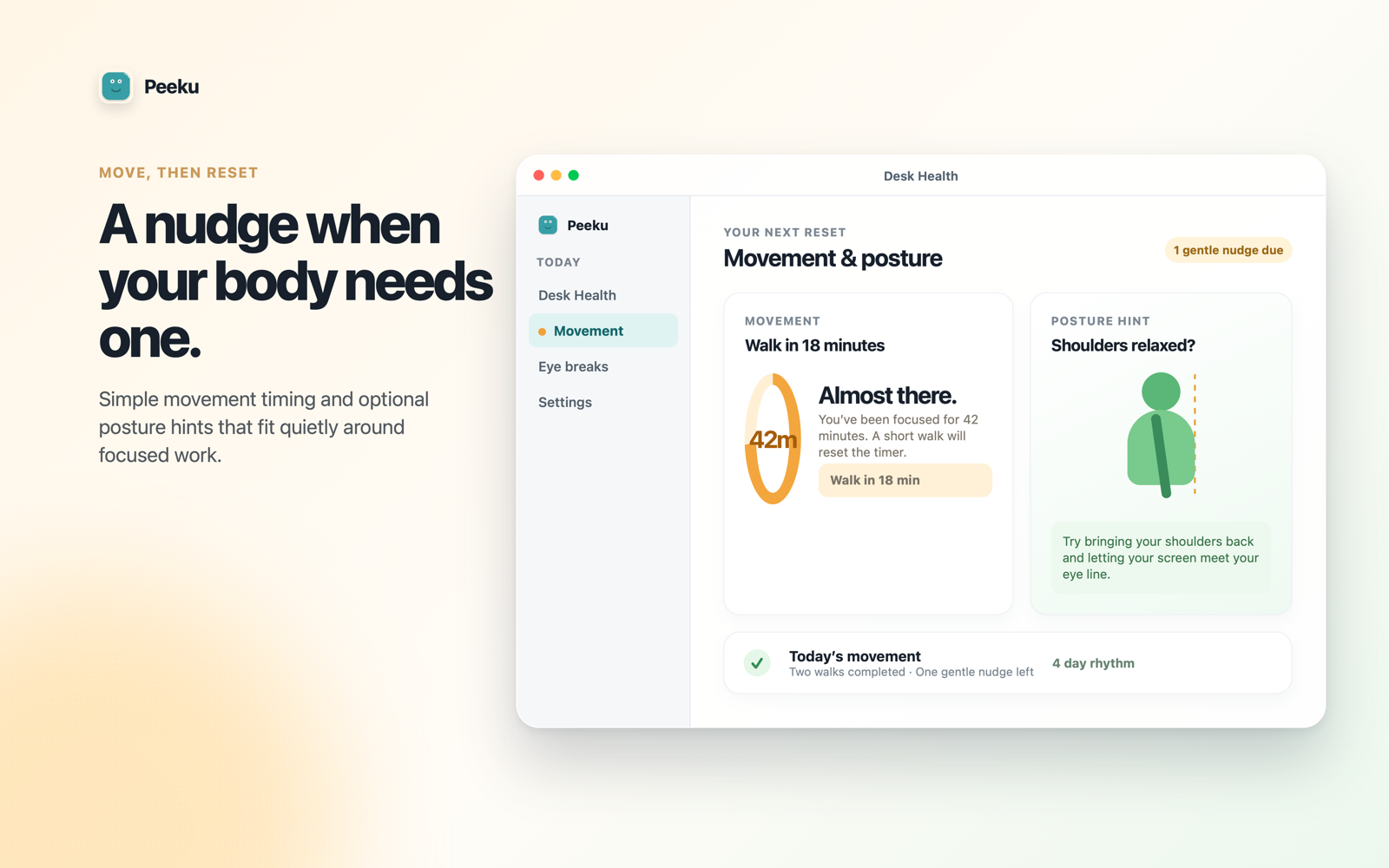
- Move and rest coaching. Reminders to walk on a timer and look away for eye breaks (20-20-20 rule).
- Private ledger. Your wellness history stays on your Mac. No cloud backup in the free version.
Free on Mac App Store. iOS and Apple Watch companion is live on the App Store.
Why the fork?
Questions about why the App Store version doesn't lock.
Why can't the App Store version lock my screen?
Apple's sandbox intentionally blocks access to ScreenSaverEngine, pmset, and system-level APIs that trigger a real macOS screen lock. This is a security design: sandboxed apps should not lock the user's screen without explicit user interaction (like pressing a button). The full Peeku app needs to lock automatically when you walk away, so it cannot run inside the sandbox. For the full away-lock, download from Gumroad or the direct DMG.
Can the companion app lock my Mac remotely?
The iOS and Apple Watch companion is now live on the App Store. It includes a "Lock Mac" button that sends the command to the full Peeku Mac app. This works only if you have the full app running, not the App Store coaching version. Get the companion at https://apps.apple.com/app/id6778865893.
Do I need both versions?
No. If you want full auto-lock, download the full app from Gumroad or the direct DMG; that is all you need. The App Store coaching version is an alternative if you prefer sandboxed installation and do not need auto-lock. They are separate products; install one or the other, not both.
How does the full app lock without the App Store?
The full Peeku app is Developer ID signed, notarised by Apple, and shipped as a DMG. Developer ID apps run outside the sandbox and have access to system-level APIs like ScreenSaverEngine and pmset displaysleepnow. This is the standard path for Mac utilities that need deeper system access. Gumroad and the direct download support this model; the App Store does not.
Is the full version safe?
Yes. It is Developer ID signed (Apple verifies the identity of the developer), notarised (Apple scans the code for known malware), and stapled (offline verification is possible). You can verify the SHA-256 checksum before installing. All processing happens on your Mac; no account, no server calls. See peeku.app/trust for full details.
What is Peeku Pro?
Peeku Pro is paused and not for sale right now. The current Mac App Store build is free, with StoreKit purchase prompts off. The core coaching is free there, and the full direct download remains the free route for automatic away-lock.
Your privacy
Everything happens on your Mac.
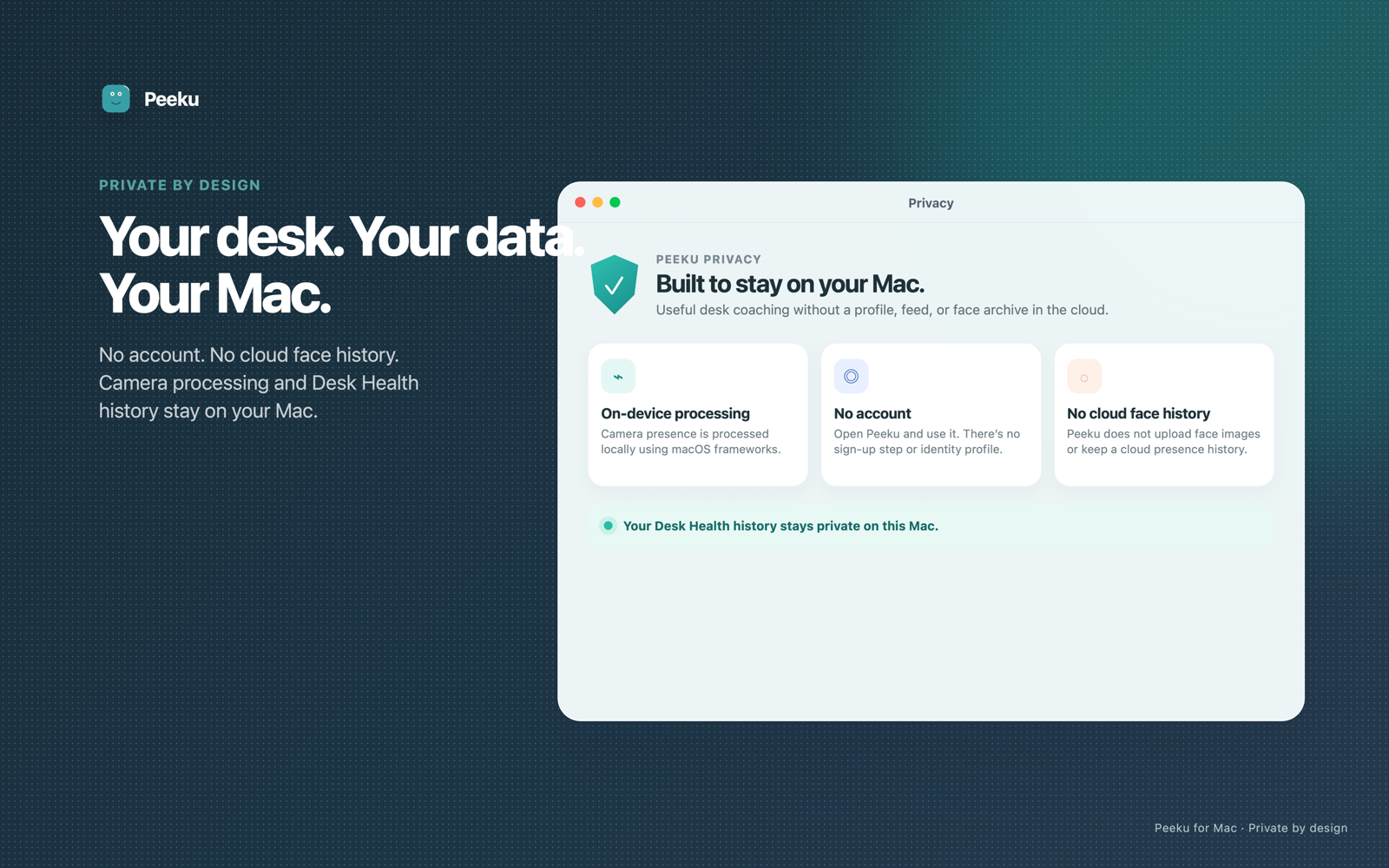
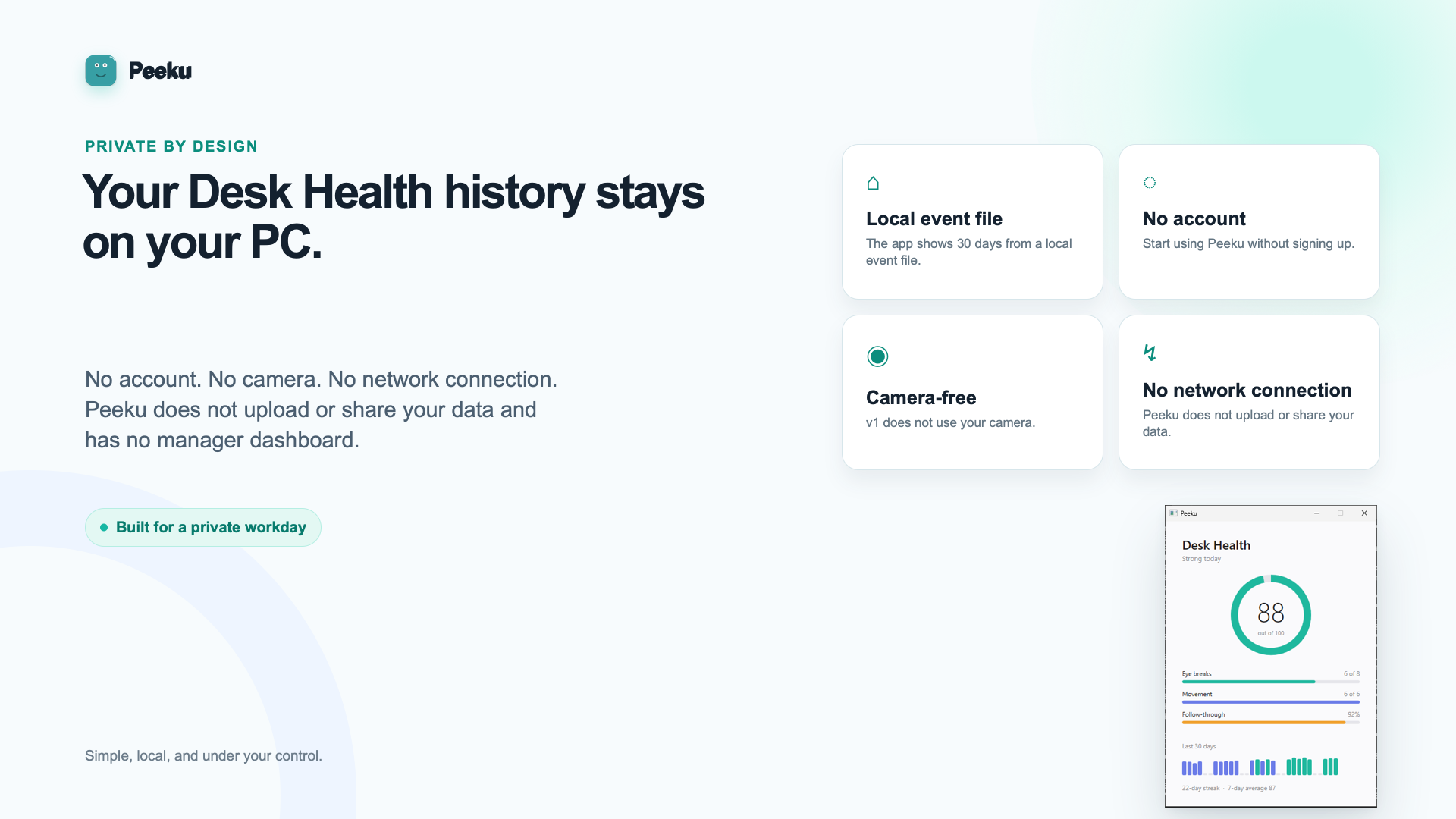
Peeku does not need an account. It does not upload your camera feed, face images, or a presence history to any server. Face detection runs locally using Apple's Vision framework; watch proximity is checked via Bluetooth. All signals are processed on your Mac.
Read the full privacy page View signing and trust detailsCompatibility
Built for modern Macs with a camera.
Peeku 1.7 supports Apple Silicon Macs on macOS 14 or later. It runs as a menu-bar app and works best with a built-in or monitor-mounted camera. Apple Watch is optional for proximity gating.
See compatibility detailsPeeku Companion is live
Get product updates by email.
The Peeku Companion for iPhone and Apple Watch shows your paired Mac's lock state and sends "Lock Mac" commands from anywhere. Stay updated on new Peeku releases and features (iOS 18+ and watchOS 10+).
Download the companion now: Peeku Companion on the App Store (pair it with the full Mac app for remote lock control).
Get Peeku now
Start with the App Store build.
If you want the easiest install, start with Peeku Presence Coach on the Mac App Store: private eye-rest nudges, walk reminders, Desk Health, and local presence signals. If you specifically need automatic walk-away locking, use the full Developer ID download below. Both keep face data on your Mac.
App Store coaching (start here)
Get the Mac App Store buildFree coaching, Desk Health, and move-and-rest nudges. No account. No cloud face data. No auto-lock inside the App Store sandbox.
If Peeku helps you take one real break, an honest App Store review helps a lot. Pair with the iPhone companion now on the App Store.
Full auto-lock
Download Peeku 1.7Use this if you need the Mac to lock when you walk away. Developer ID signed and notarised. About 3.1 MB. Apple Silicon, macOS 14+.
Gumroad + update emailsFree / pay what you want. Use Gumroad if you want purchase history and update emails.
Install with Homebrewbrew install --cask iamitp/peeku/peeku
Immediate public tap while the main Homebrew Cask PR is in review.