Eye-rest reminders
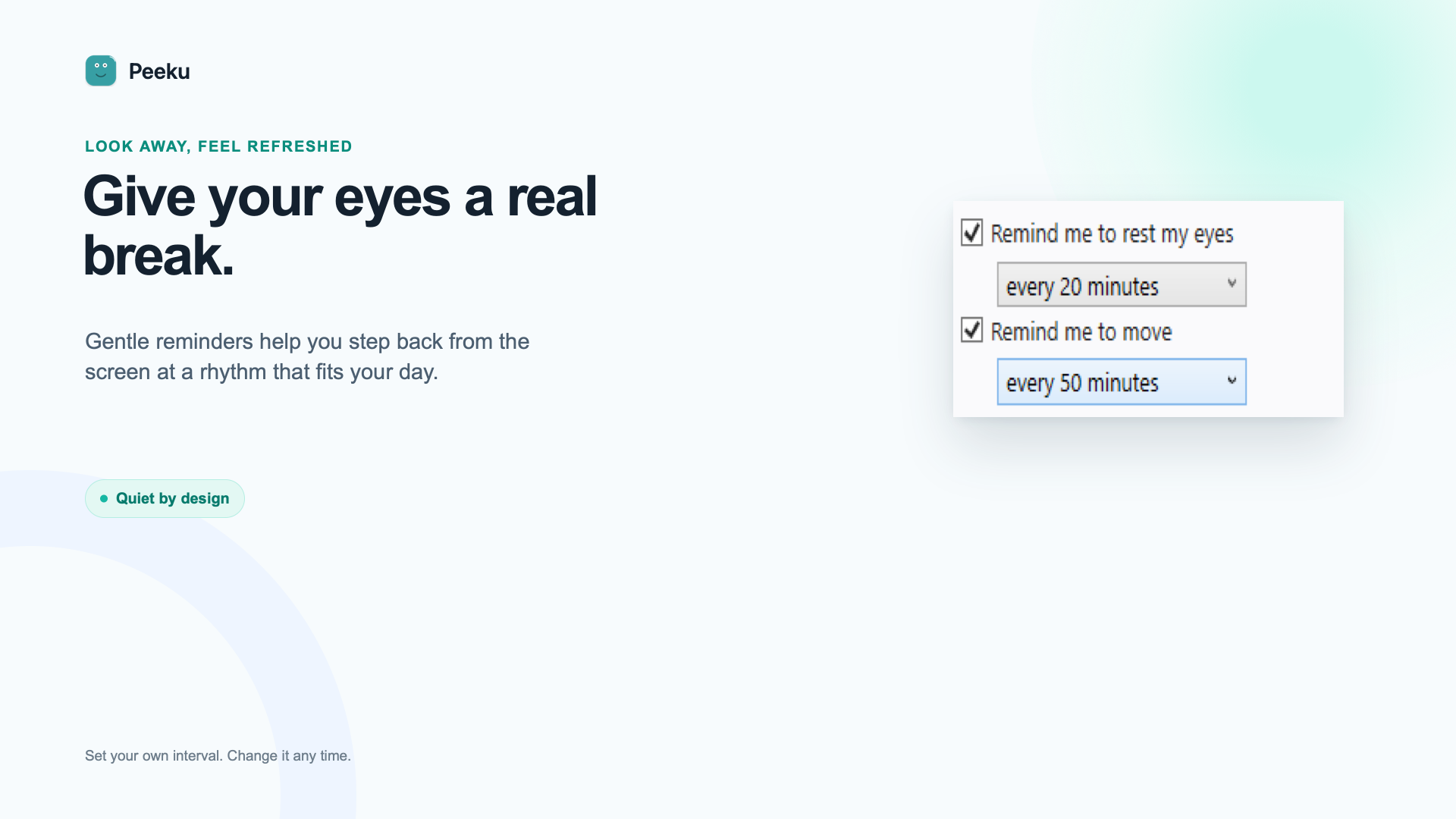
Get a calm prompt when it is time to look away. Mark it complete or dismiss it and keep working.
 Peeku
Peeku
Peeku for Windows
Eye-rest reminders, movement prompts, Desk Health, and optional inactivity locking in a small local-first Windows app. No account. No camera. No manager dashboard.
Desk Health at a glance
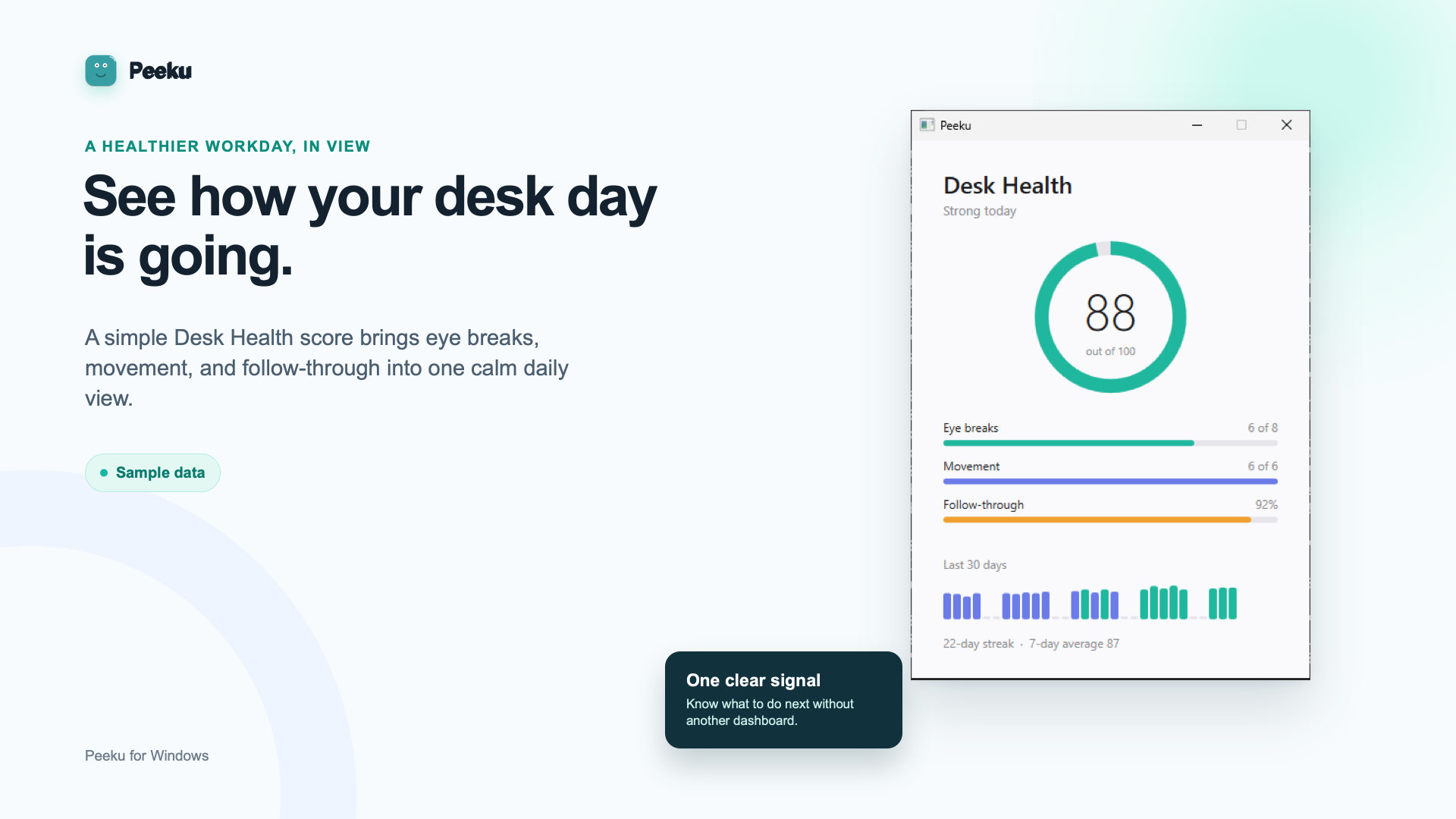
Peeku turns reminder follow-through and movement credits into a simple Desk Health view. The app shows recent local history without pretending it measured your body or watched your room.
The useful essentials
Get a calm prompt when it is time to look away. Mark it complete or dismiss it and keep working.
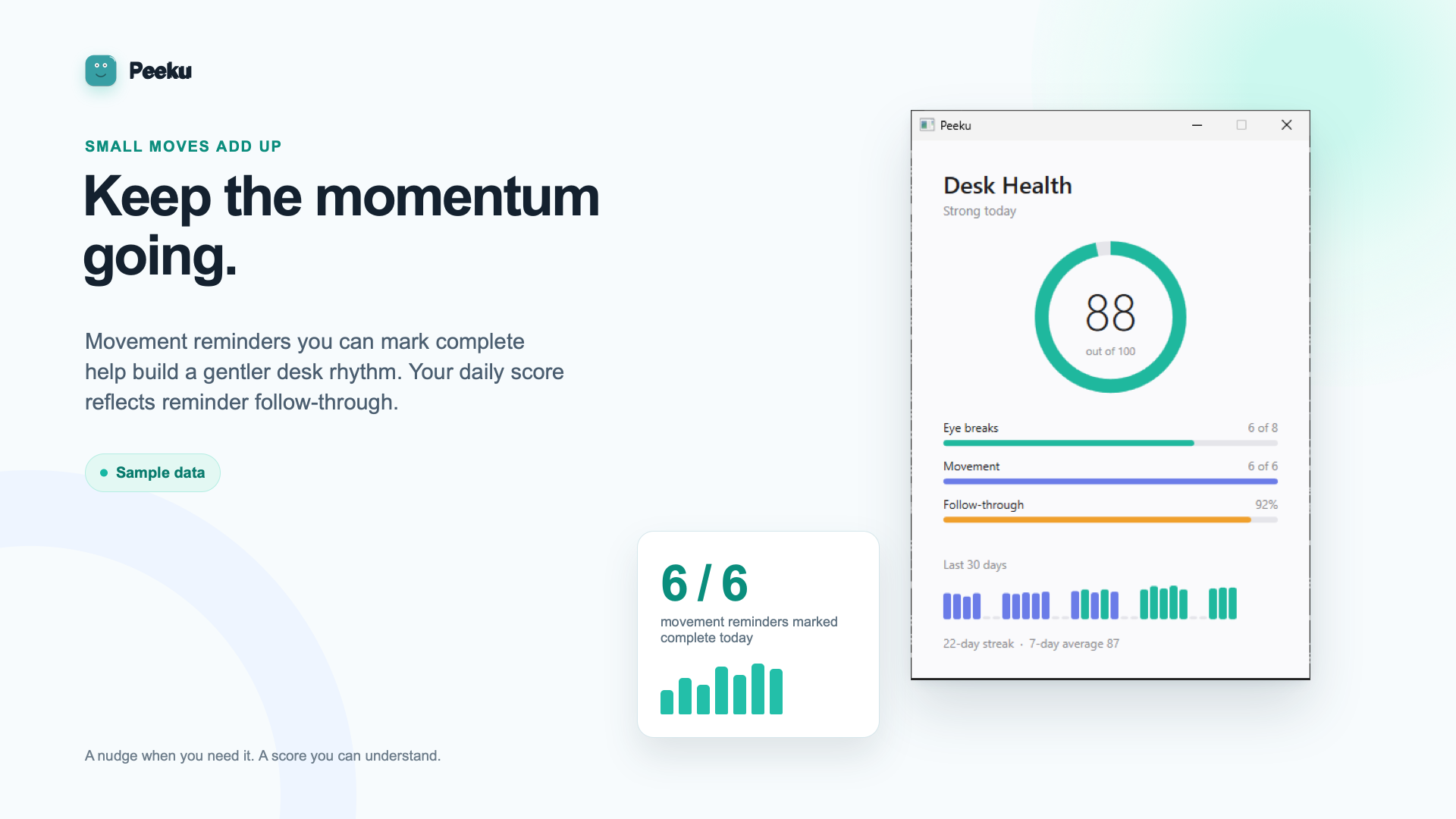
Peeku reminds you to move and lets you record when you followed through.
See recent Desk Health without an account, cloud sync, or employer dashboard.
Inside the app
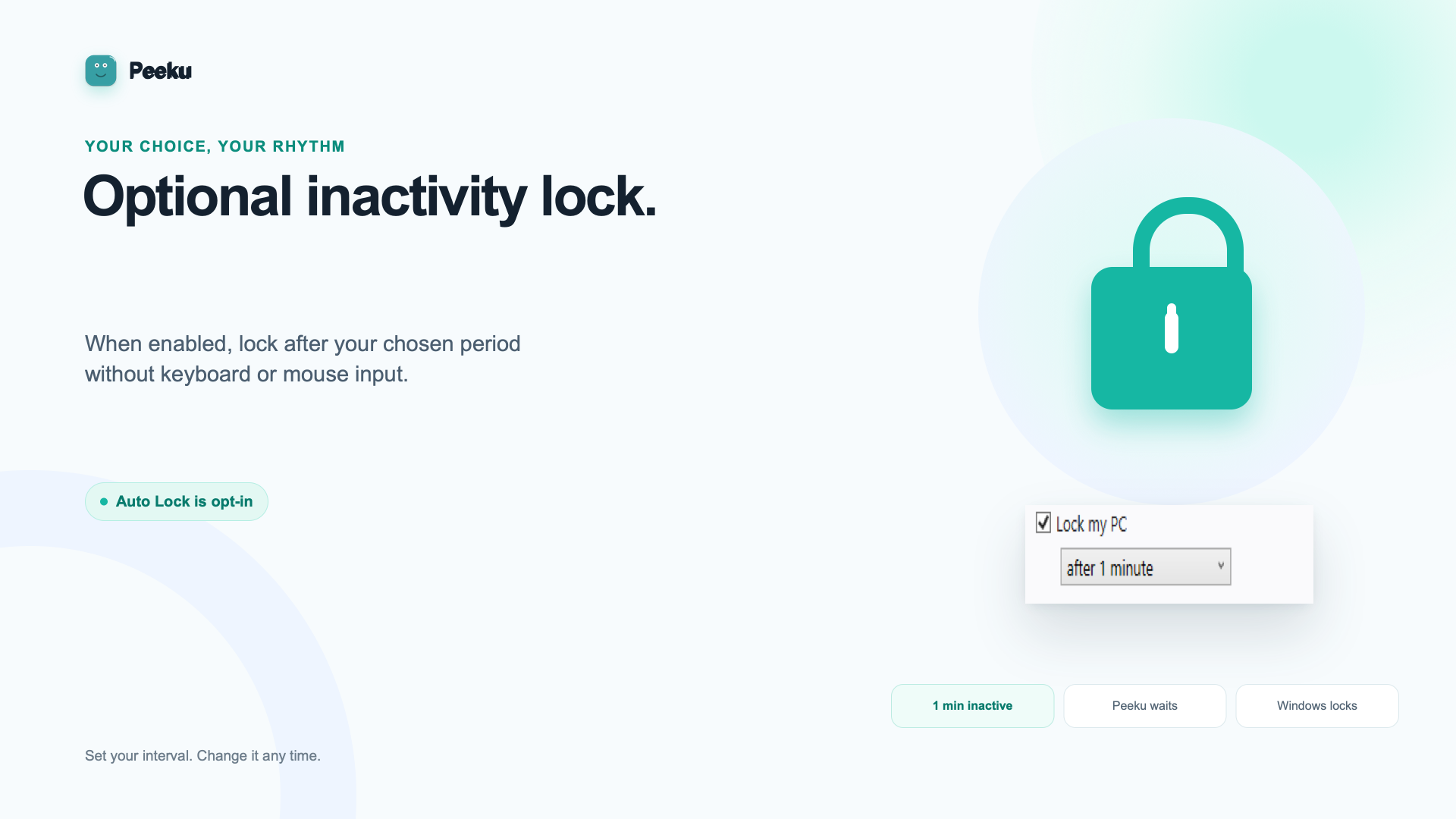
Optional auto-lock
When enabled, Peeku can lock your PC after your chosen period of keyboard and mouse inactivity. It does not claim to know whether you physically left, and it does not use a webcam or wearable.
Private by design
Peeku for Windows does not require a camera, wearable, or account. It does not upload or share Desk Health data and has no manager dashboard. The app shows recent events from a local file.
Read the privacy detailsRequirements
The Microsoft Store package targets Windows Desktop on x64 PCs.
Peeku uses reminders and keyboard/mouse inactivity rather than camera presence.
Windows FAQ
No. The optional lock timer uses Windows input-inactivity timing; Peeku does not capture the content of your keystrokes.
No. The current Windows edition does not detect calls, meetings, or physical presence.
No. It reflects reminders marked complete, movement credits, and dismissed reminders. It is a follow-through view, not a body sensor.
Peeku for Windows is available from the Microsoft Store.
Peeku for Windows
Free, local-first, and ready without an account.