Compatibility

Peeku is built for modern camera-equipped Macs.

The direct-download build is intentionally narrow so the lock decision can be tuned before a wider public release.

Operating system

macOS 14 Sonoma or later.

Processor

The current direct-download build is Apple Silicon. Intel/universal builds are planned after the full Xcode distribution toolchain is available.

Camera

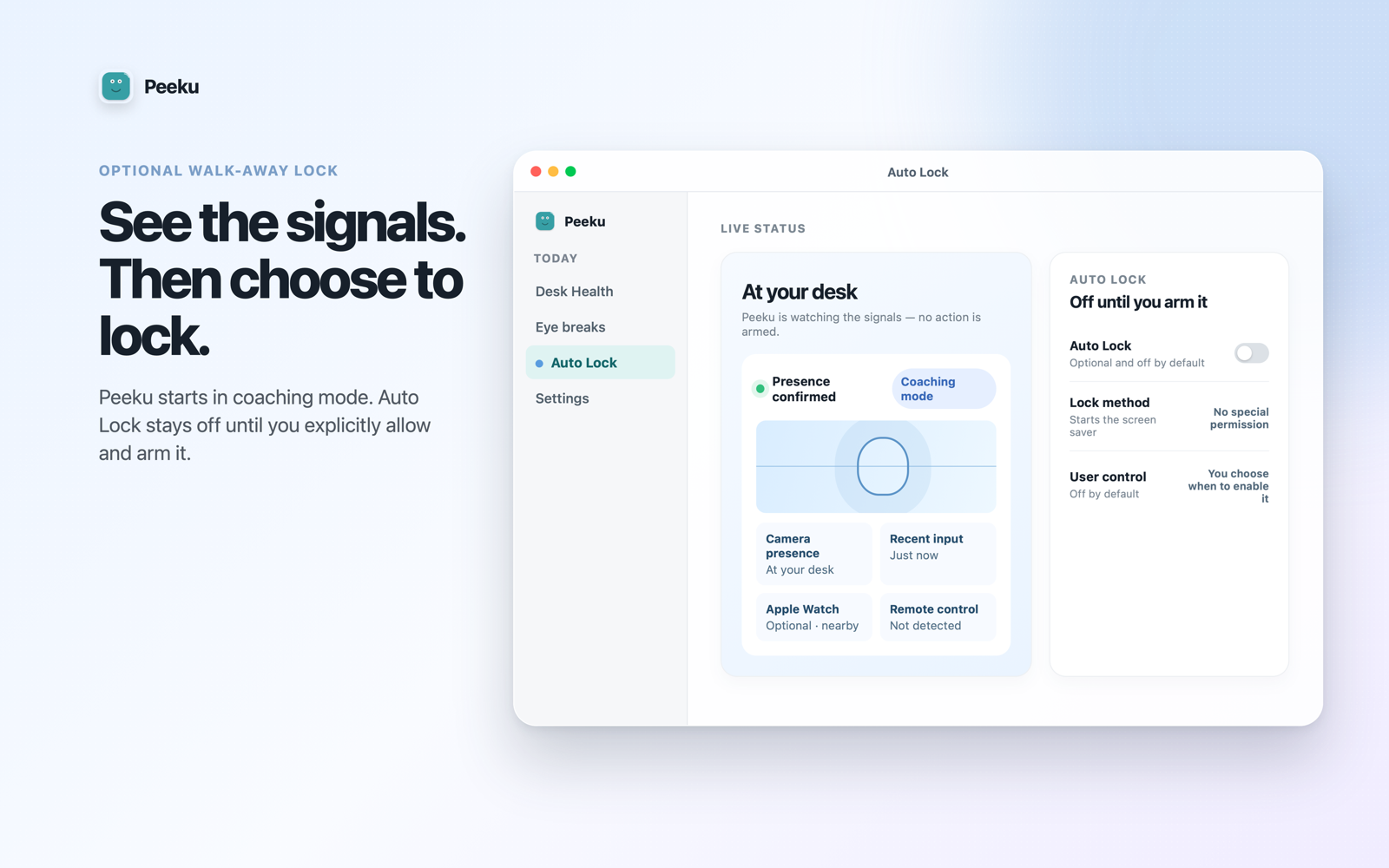
A built-in or external camera is required for local face presence checks before Peeku decides you are away.

Apple Watch

Recommended. Peeku can use Bluetooth proximity as a second gate so the app is less likely to lock while you are still present.

Distribution

Peeku is available as a Developer ID direct download and on the Mac App Store. Both editions combine on-device walk-away lock with coaching and local presence signals; Peeku Companion is the separate iPhone and Apple Watch app.

Best setup

Works best with a camera near the top-center of the display, ordinary desk lighting, and a stable seated baseline.

Menu bar utility

Peeku is designed to live in the menu bar without a Dock icon. The full window and settings are available from the menu.

Not a Face ID clone

Peeku is presence detection and lock automation, not biometric authentication or identity verification.