Rest your eyes
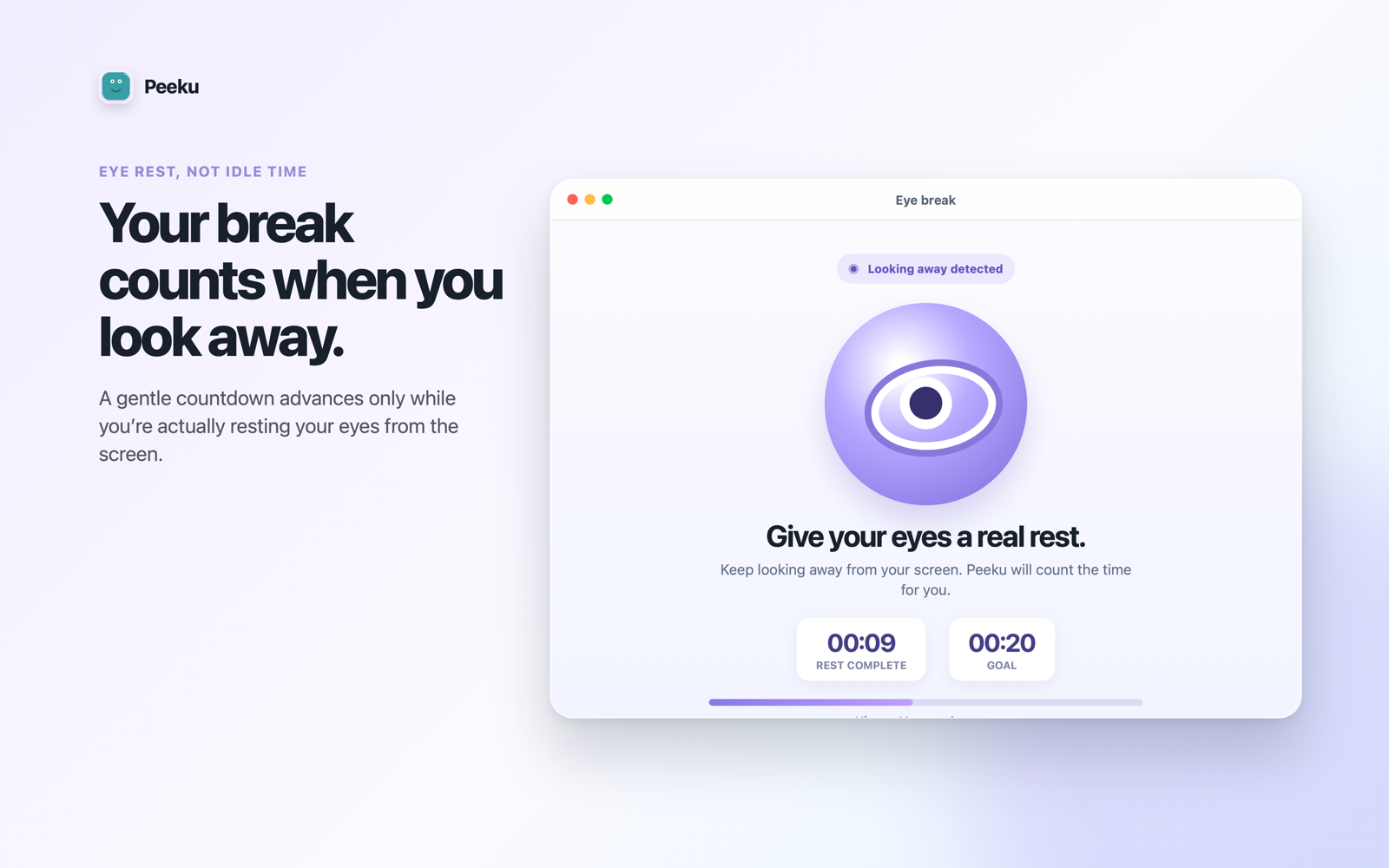
Calm look-away prompts help a real screen break happen, not just another dismissed notification.
 Peeku
Peeku
Peeku for Mac and Windows
Peeku turns long screen days into a healthier rhythm with eye-rest reminders, movement prompts, Desk Health, and privacy-first local processing. No account. No noisy dashboard. Just a calmer nudge at the right time.
Free from the Mac App Store and Microsoft Store. Each edition uses the signals its platform supports.
A healthier rhythm, without another system to manage
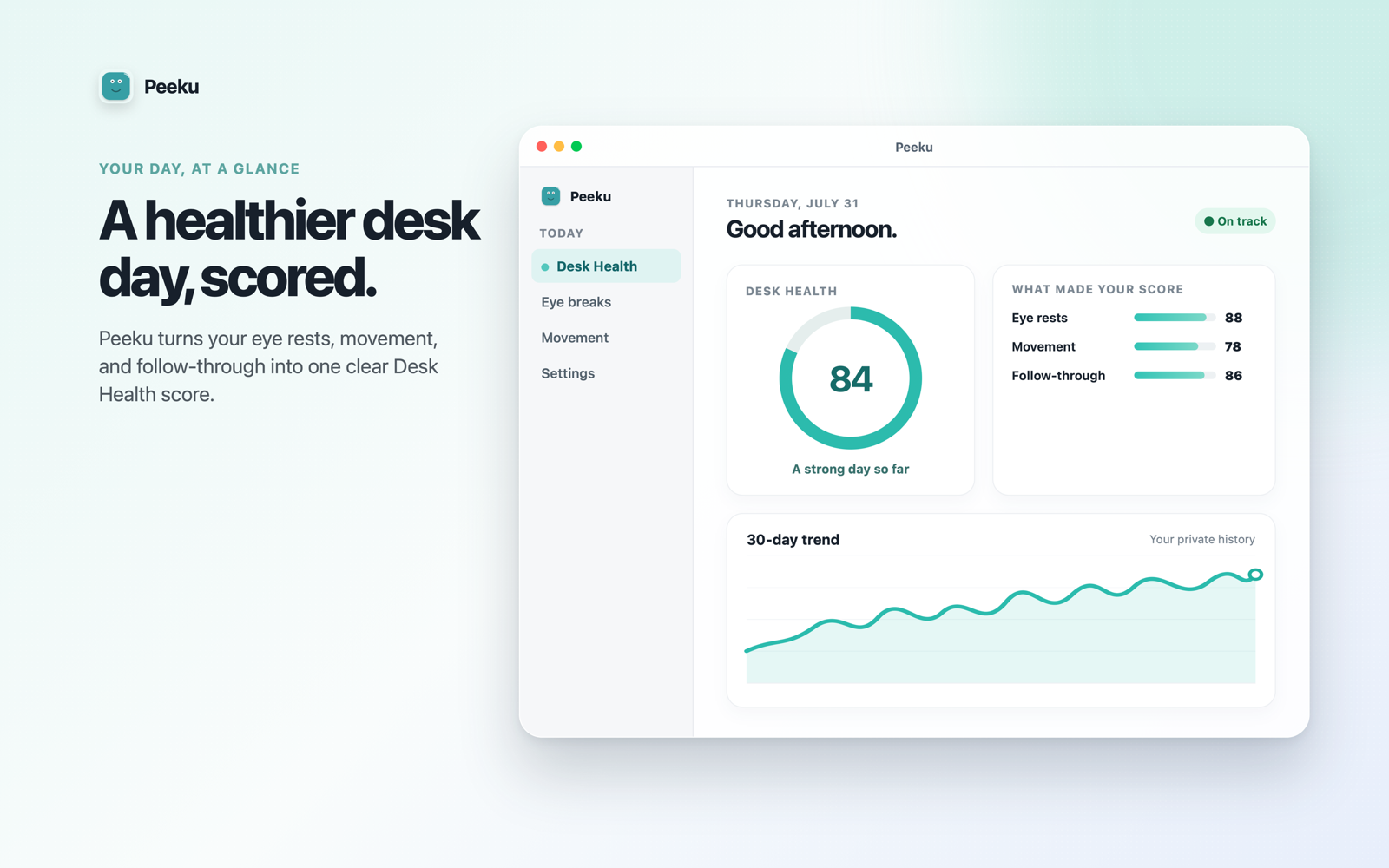
Peeku stays close to the workday itself. It reminds you to rest your eyes, move before the hours disappear, and see the pattern without turning your wellbeing into a spreadsheet.
Calm look-away prompts help a real screen break happen, not just another dismissed notification.
Movement reminders arrive before a focused hour quietly becomes an entire afternoon.
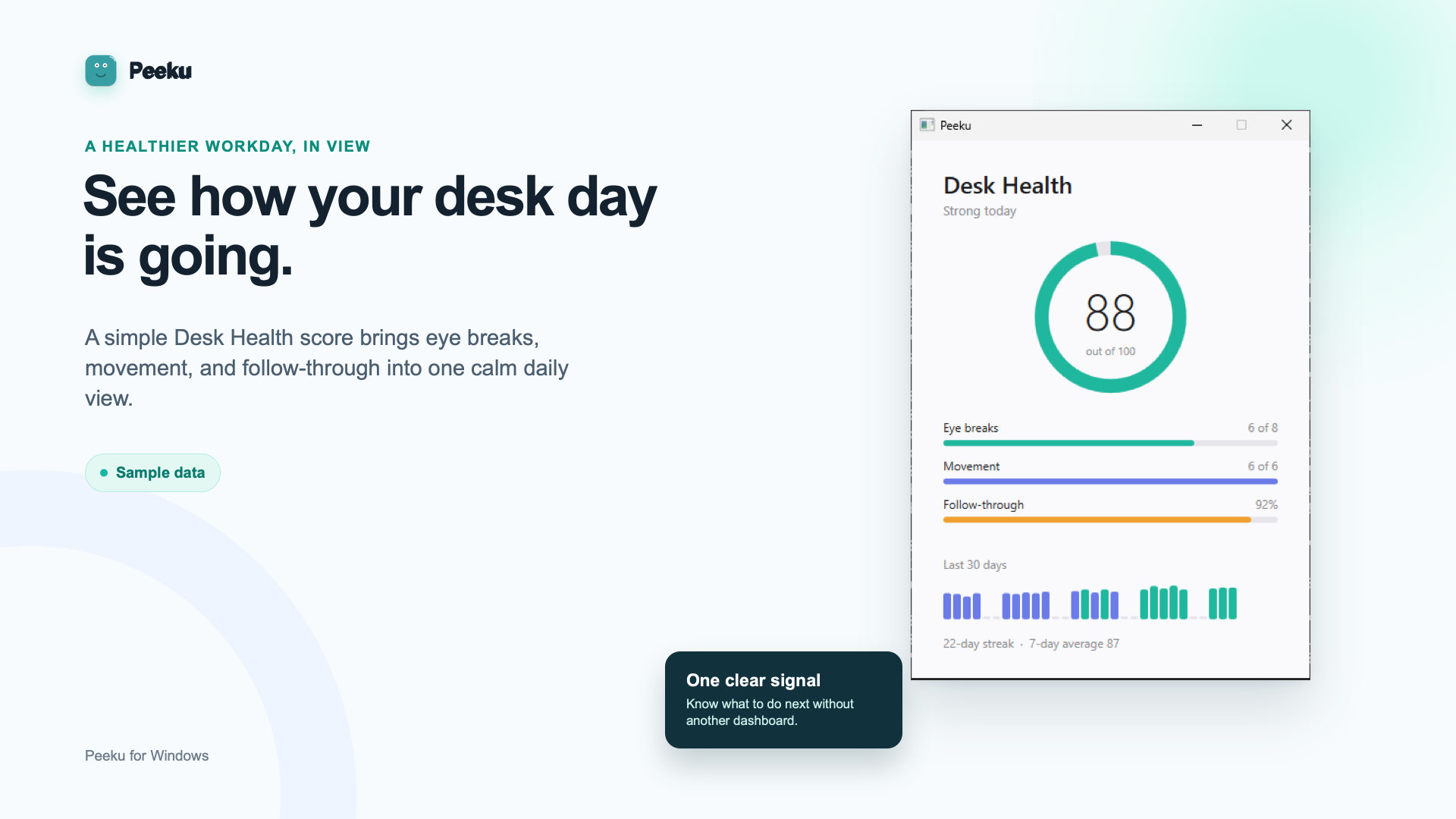
A simple local view shows reminders followed, movement credits, and the rhythm of recent days.
Same purpose. Honest platform differences.
The Mac and Windows editions share the same desk-health philosophy. Their presence and locking behavior is intentionally different.
Peeku for Mac
Mac can analyse camera frames locally for presence, look-away, posture, and viewing-distance cues. Optional locking starts the macOS screen saver when Peeku’s local checks determine you have stepped away.
Peeku for Windows
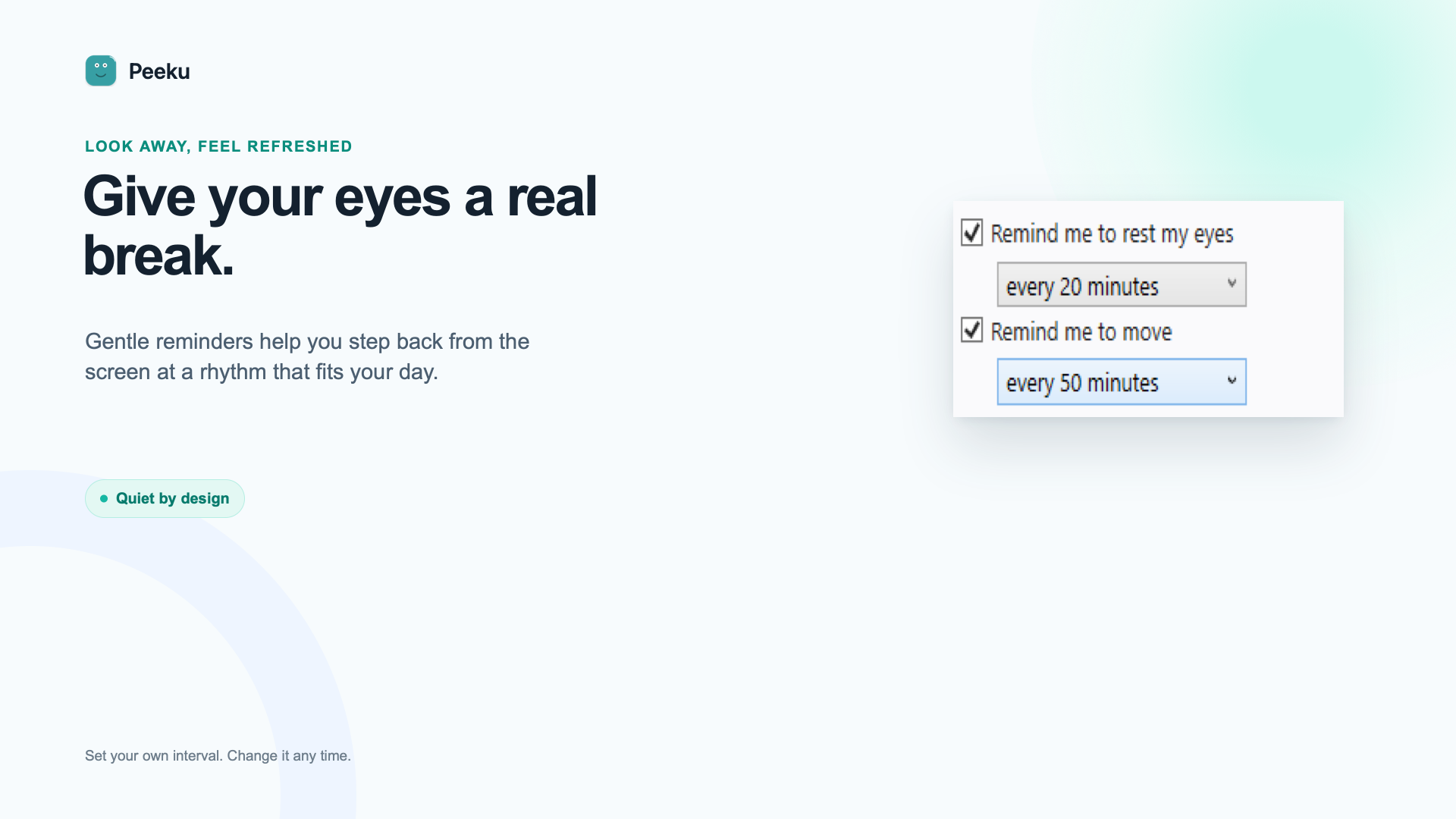
Windows keeps things simple: eye-rest reminders, movement prompts, Desk Health, and an optional lock after your chosen period of keyboard and mouse inactivity. It does not use a camera or claim to detect a physical departure.
No blurred promises
Privacy by architecture
On Mac, camera analysis happens on the Mac using Apple’s Vision framework; face images are not uploaded. On Windows, Peeku does not use a camera at all. Both editions keep their wellness history locally and have no manager dashboard.
Read the privacy details See the trust modelOptional companion for the Mac edition
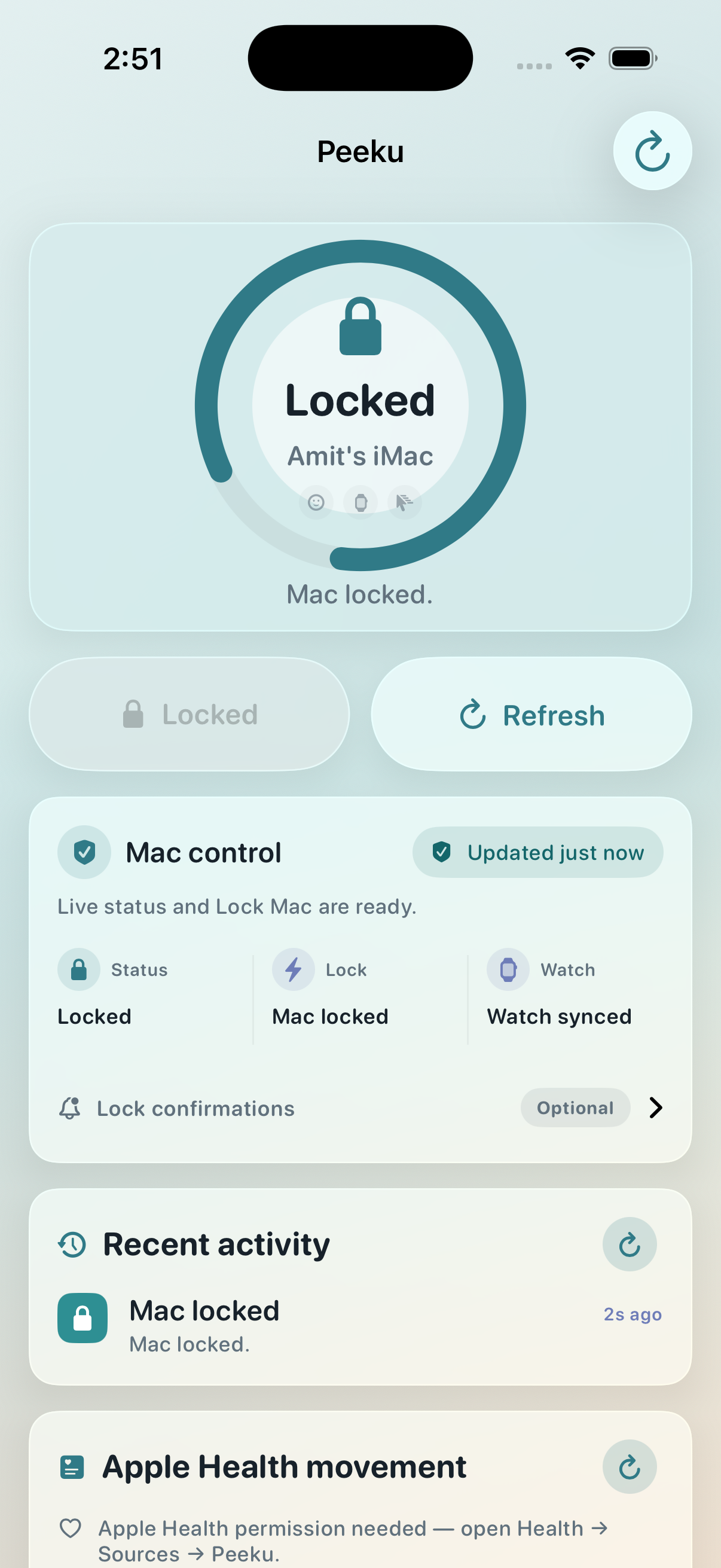
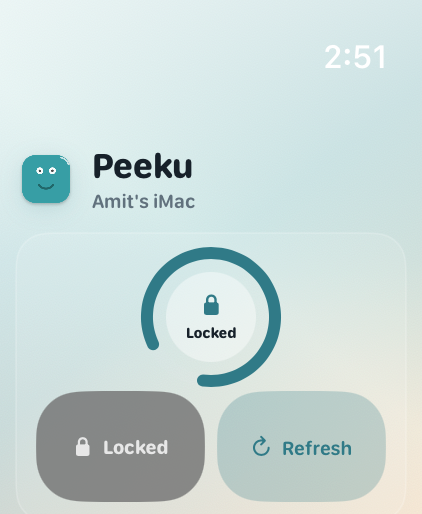
Peeku Companion shows the paired Mac’s lock state and can send Lock Mac from iPhone or Apple Watch. It is separate from Peeku for Windows and is never required for desk-health reminders.
Get Peeku Companion on the App Store (iOS 18+ and watchOS 10+).
Compatibility
A camera is required for local presence coaching. Apple Watch proximity is optional.
Read Mac requirementsNo camera or wearable is required. Optional locking uses keyboard and mouse inactivity.
Explore Peeku for WindowsFAQ
Yes. Peeku is free from the Mac App Store and Microsoft Store.
No. Both desktop editions work without signup or a cloud account.
No. The Mac edition analyses camera frames locally and does not upload face images. The Windows edition does not use a camera.
Mac can use local camera presence checks before starting the screen saver. Windows uses a keyboard-and-mouse inactivity timer. The site keeps those behaviors separate rather than presenting them as the same feature.
No. It is an optional iPhone and Apple Watch companion for the Mac edition.
Get Peeku
Install from the store you already trust. Updates arrive through Apple or Microsoft, and Peeku stays focused on your desk instead of becoming another account to maintain.
macOS 14+ · local camera presence · optional walk-away locking
Microsoft StoreWindows 10 version 1809+ · no camera · optional input-inactivity lock